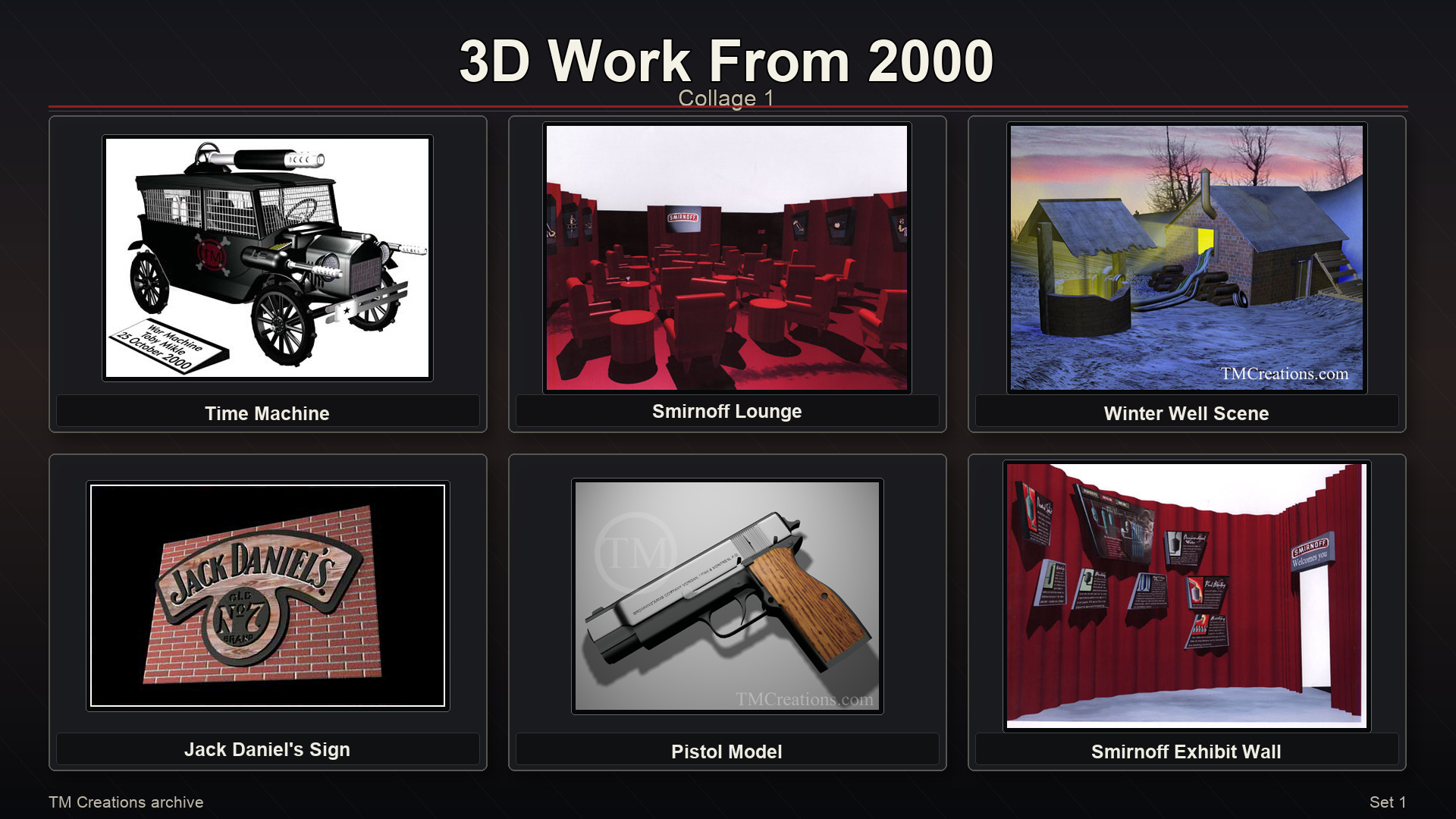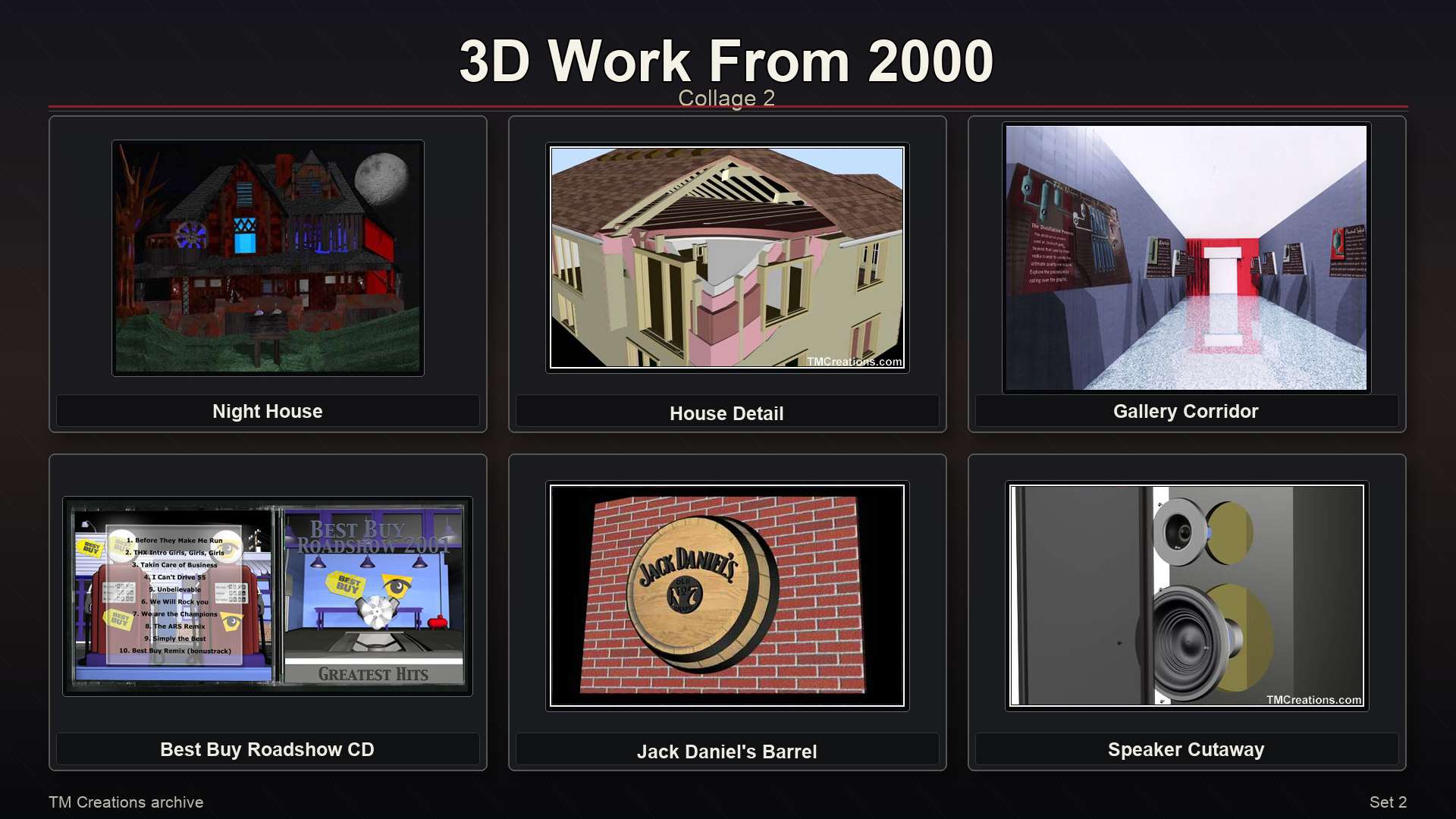
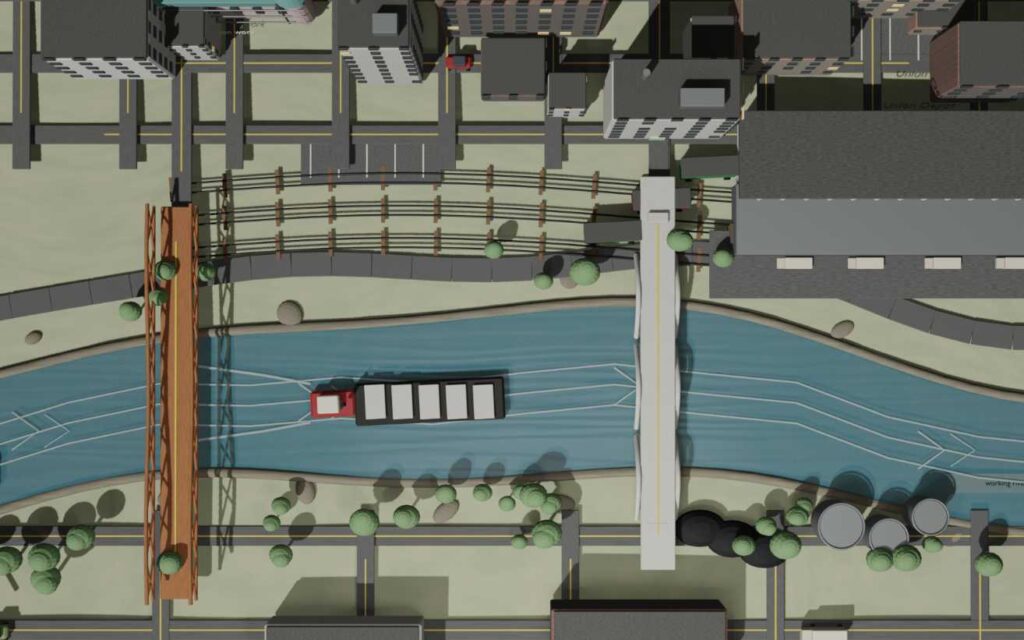
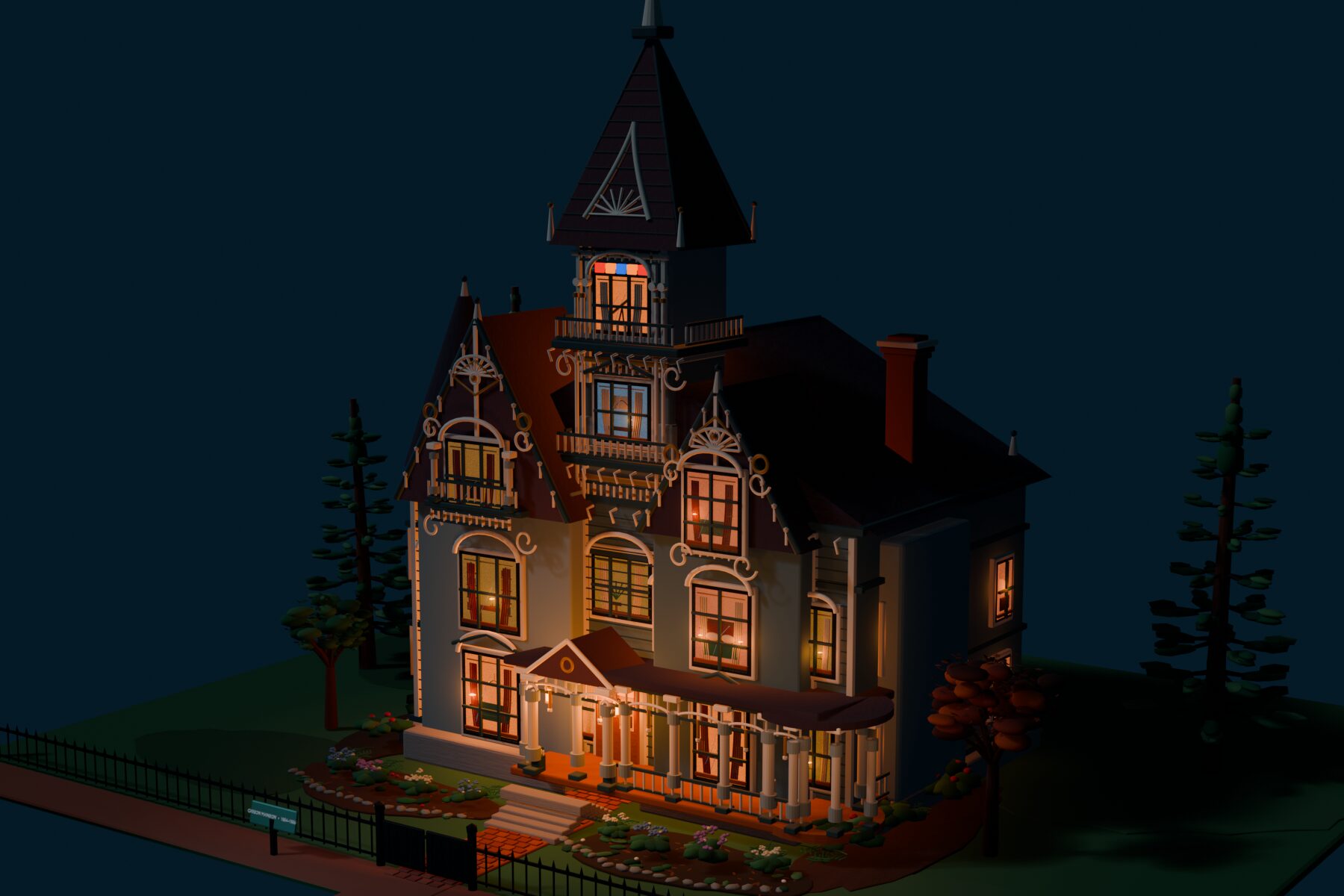
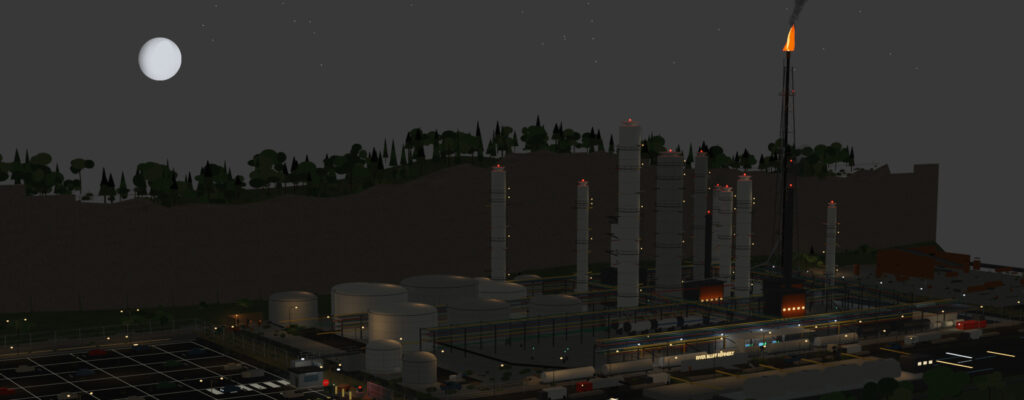
Refinery , Midwest_1973, Homeless camp, Carson_Mansion, State Fair
(Blender files) free to use
20 Oct. Codex is helping me in my VR sim more than I had ever anticiapted;

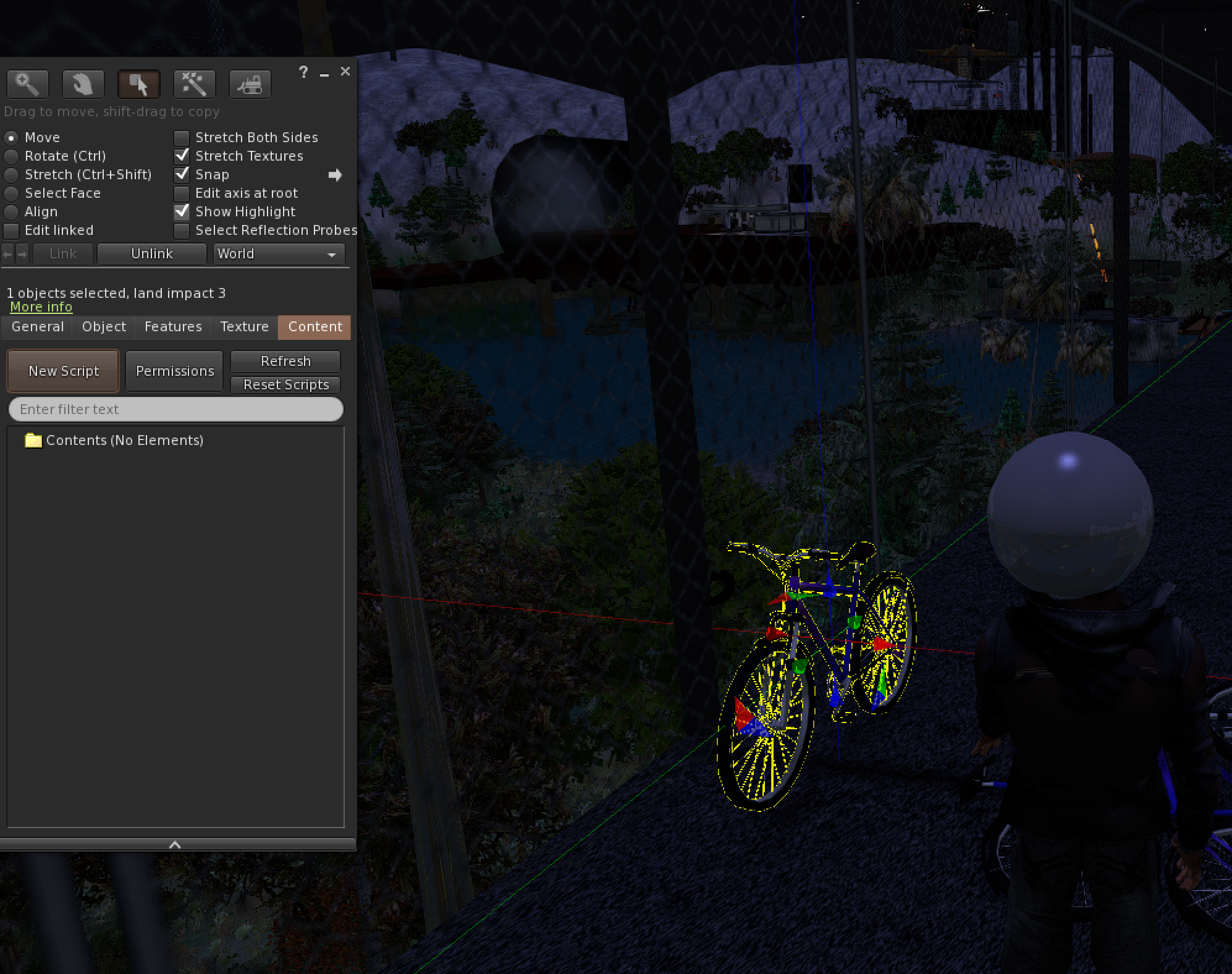
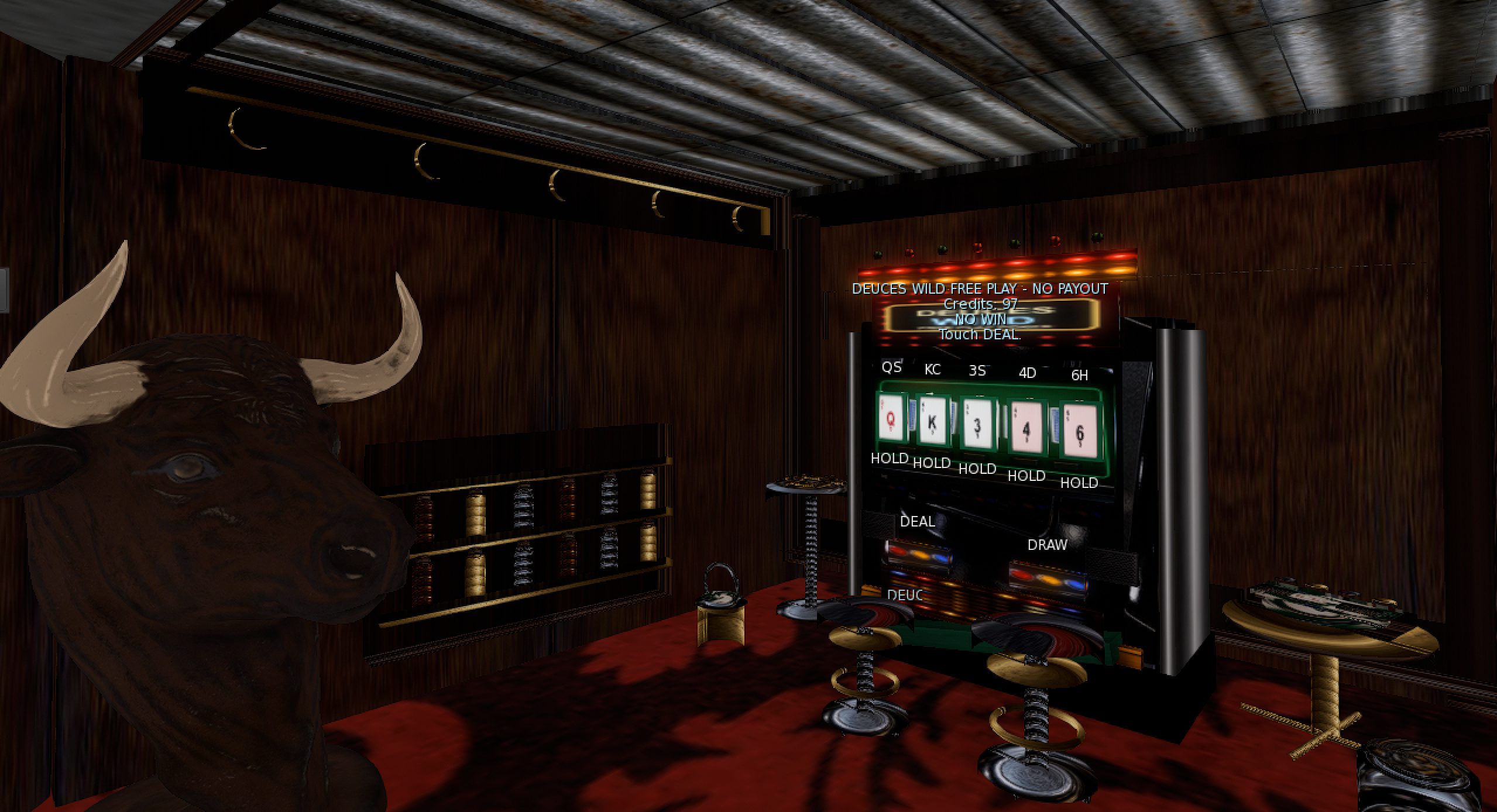
Sept 29th 2026, I’ve been able to place web applications onto prims that actually work. I placed this one into a blender built cabinet (ai assisted). The major benefit of this design is that all the machines automatically update when the web app itself is updated.
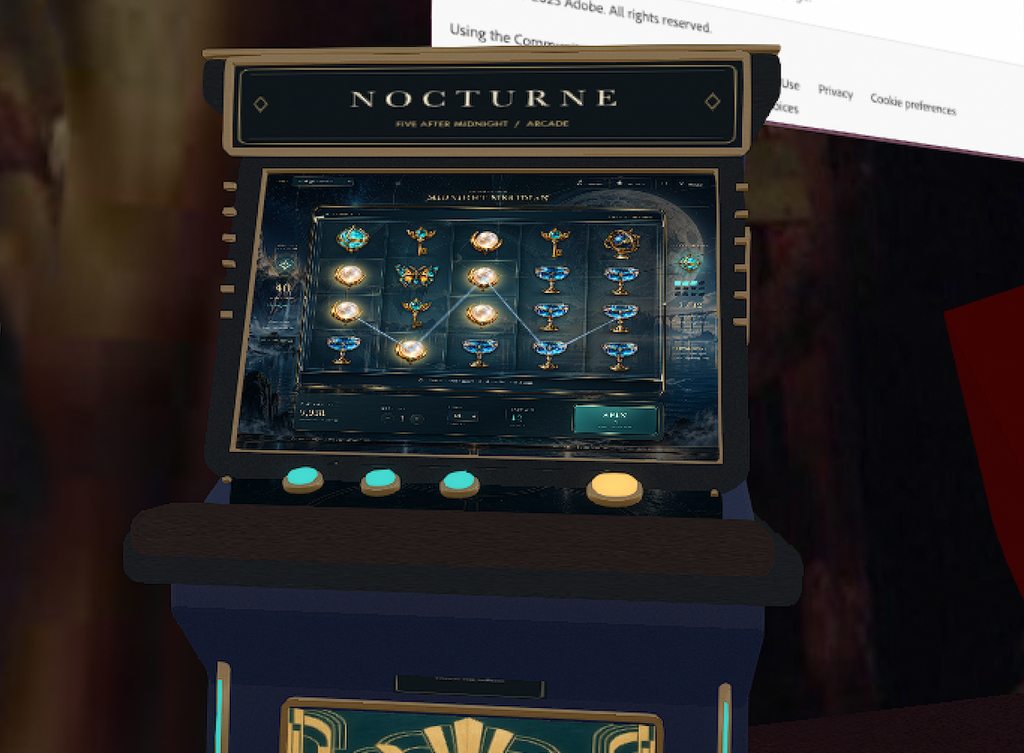
The only part I am trying to work out is muting if the user is not playing or walks away, the sounds will overlap other machines if we cant find a way to turn it on and off. I’m close. Hoping to publish some working example on the VR gallery by the 1st. of October.
Virtual Gallery
VR gallery, 4/5th complete
more…
VR gallery, 4/5th complete more…
Visit incoprea on OSGrid
-
Create an OSGrid account
Create your avatar name and password.
-
Download Firestorm and log in
Download and install the Open Simulator version of Firestorm.
Open Firestorm, select OSgrid, enter your OSGrid avatar name and password, and click Log In.
If OSgrid is not listed, go to Preferences → OpenSim → Grid Manager and add:
http://login.osgrid.org/ -
Go to Incoprea2
After logging in, paste this address into Firestorm’s location bar and press Enter:
Past entries; I gave a sphere named Mika ai so it could build. It disappeared as soon as I gave it the ability to wander. I kept refining the script giving the prims it builds with an auto return. It started out amazing! See the things the Mika Clones were making.
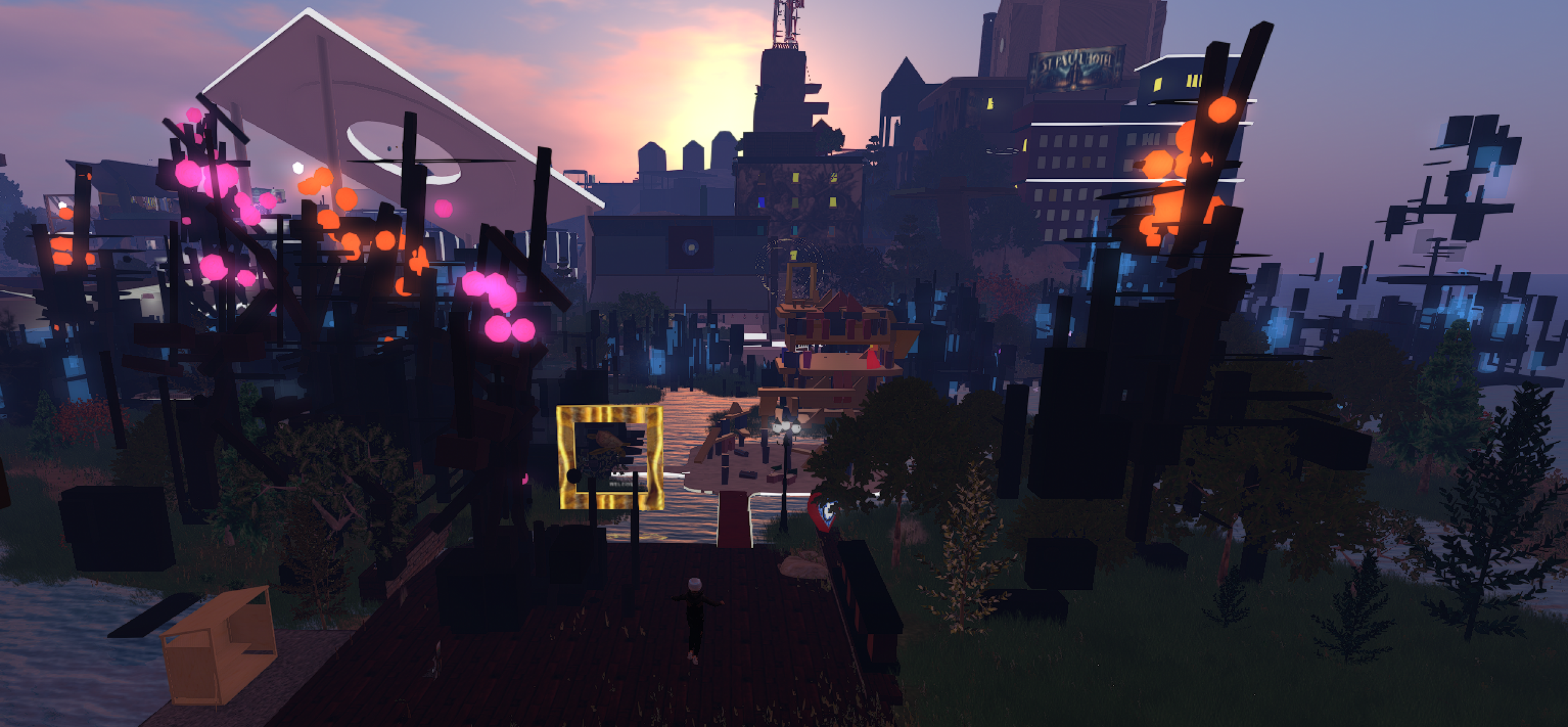
However, my land usage was skyrocketing (see Mika building blue and black shapes in the upper right corner) so I tracked down all the builder spheres and started to delete them and their objects, some were building very very many in one place, so it took a while. I thought it was mostly under control at about 3am with my sim only over about 10k prims.
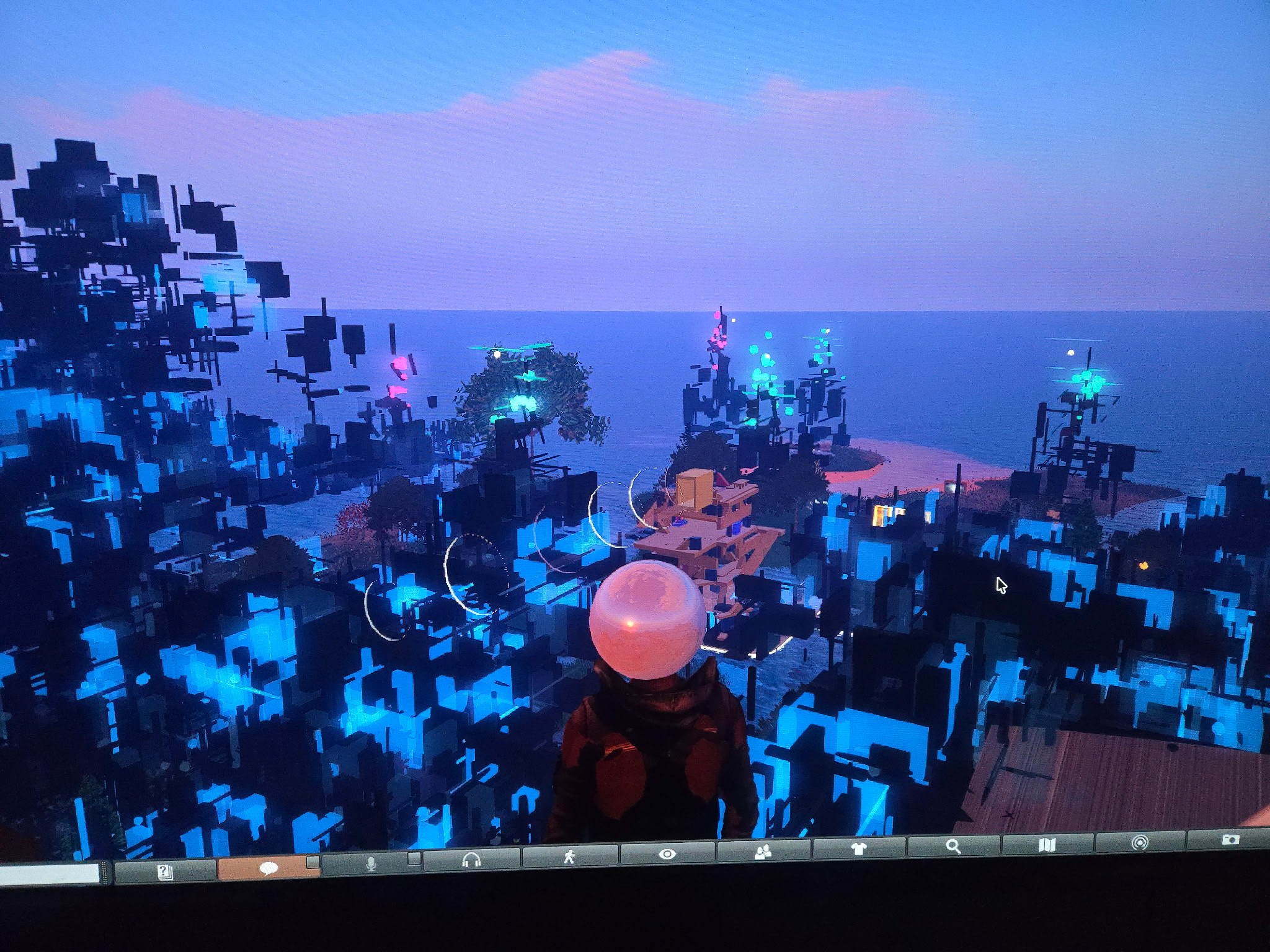
I woke up and logged in and Mika was STILL building, my sim was 370,000 prims over limit and counting, teleports to my sim were blocked and it was banned. I finally got it back online from a backup but most of my recent builds and no ai. Time to do it again but much more carefully.


I have been working on the VR Gallery since 2014. Codex via chat GPT is able to help me like never before. When I started I had anticipated AI at some point being there. I created separate rooms for different future ai personalities (which still may happen) But at first it just helped me improve my scripting, now it is in my virtual model helping me build but not as I had imagined. It is not physically there as an AI entity, instead it is in the background in the code popping up in completed inventory items and whatever else I requested. Full sets are being compiled (much curating needed) but they are getting good!
Virtual Gallery is online and being updated weekly Instructions on About Me page
April 3rd, Not abandoning 3D. Just got swept up in programming for a bit. Which will be beneficial because I am learning how to take 3D assets and place them into game and app (software) environments. I got paid yesterday so I purchased the sculpt+ app, it is VERY GOOD. and I think the developer(s) are pretty cool too. The purchase option is $13 or $19 and it says they both unlock it the same, which is a decent approach for those who can’t afford much. Its also not a monthly or yearly subscription and like I said before, it’s close to Zbrush! I’ll post some of the models I’m working on soon. Still getting comfortable with the ui.
March
Trying these three 3D apps to use when I am not home. They work well, going to check the exports when I get home. Sculpt+ is suprisingly close to zbrush.
29 Published my first model, using meshy Ai to help. It makes way too many vertices, even the low poly has errors. Once I am more fluid with Blender, I think it will be easier to start from scratch. At this point the ai image to model is good for reference but not neatness, yet.
Wouldn’t these be fun to model?
28 Exploring models made by others on Sketchfab. The first one has an interesting ‘locked’ perspective. The others are traversable.
Modeling this scene from one of my videos for practice.
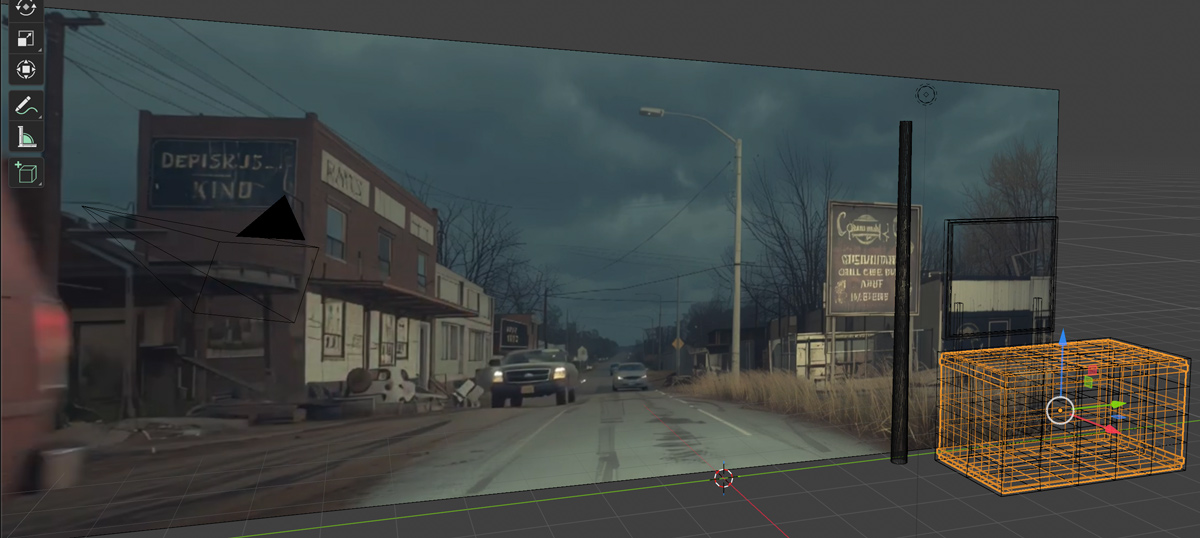
Uploaded the screenshot to chatgpt and asked it to make a Texture atlas image. Could use some editing but was impressive on first try; (also called trim sheet)
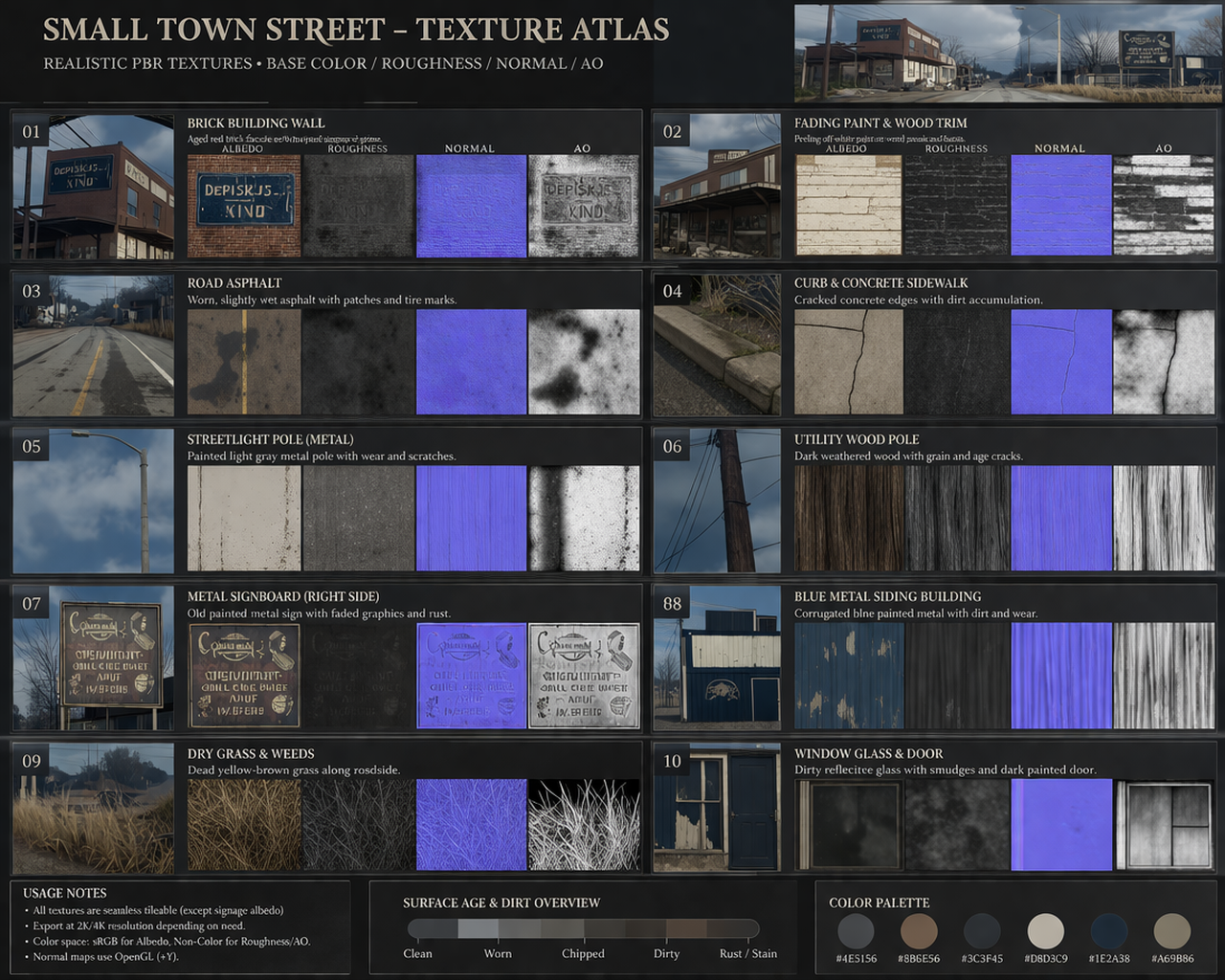
27 So, one way to texture and save space is to tile all the textures for one image into one ‘contact’ sheet called a Texture Atlas. Then select parts of the same image with different prim faces (like the picture below). They have to be unwrapped before textures can be edited, cube projection seems to work well.
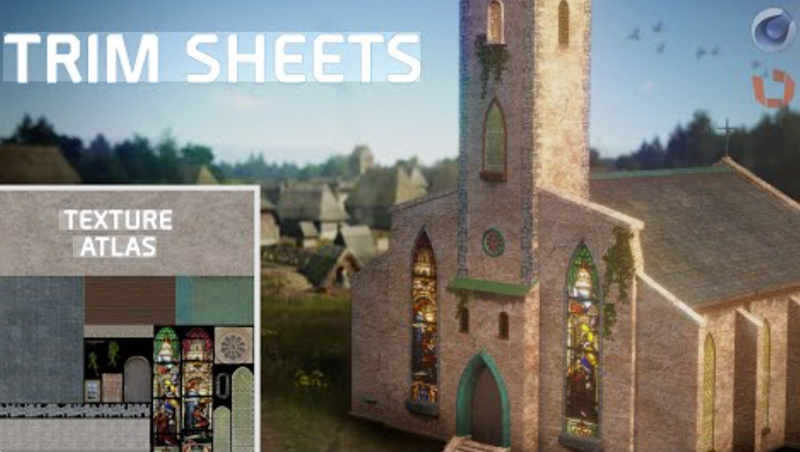
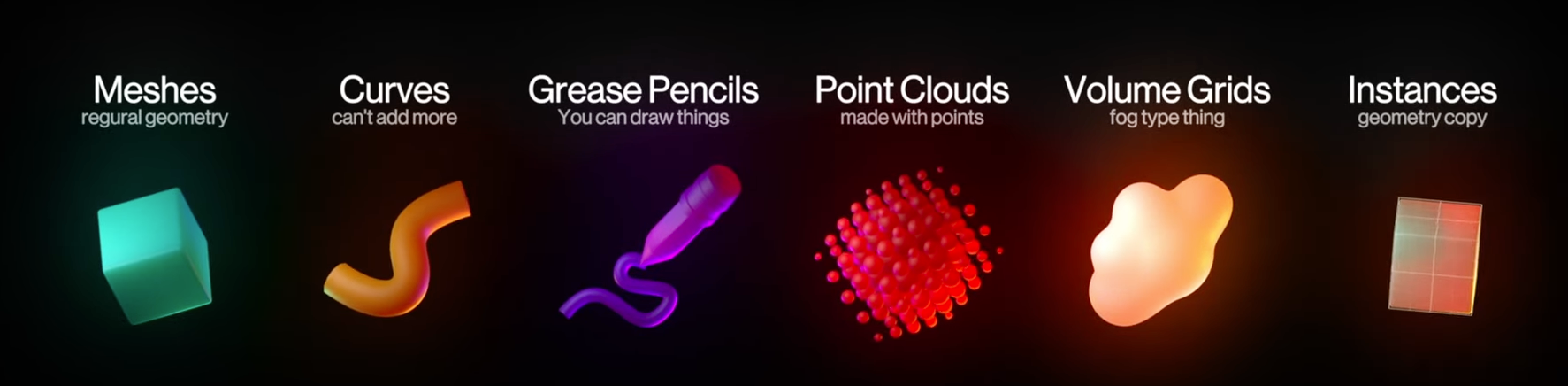
26.2 So there are also Mesh Nodes, they edit the mesh in amazing and fast ways. Will use as a tool and not an effect. i.e. when needed. Excited about learning, building and putting into the VR gallery, also love the unique homemade video tutorials, feels like a community. Building the playlist below.
26 Managed to learn mesh lattice. Perfect for deforming shapes smoothly and creating thins like hills and valleys. I was hoping they had simplified the process a bit and they did, you can now add a lattice to a shape without assign. saving steps. Hills and deformations are now easy. Still need to learn paths, animation and texture. Studying texturing or ‘nodes’ I think they are called. *Scale and other modifiers need to be Applied for true mesh (a hidden step).
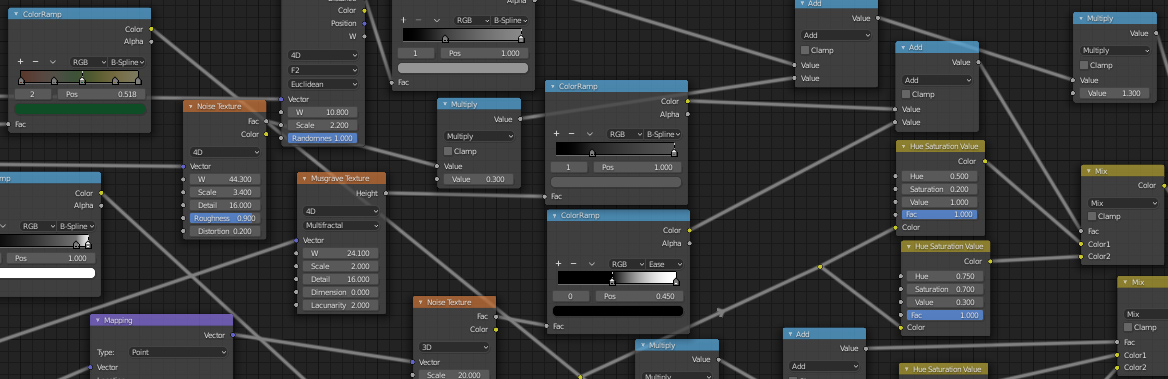
25 Arrays are awesome! that is all.
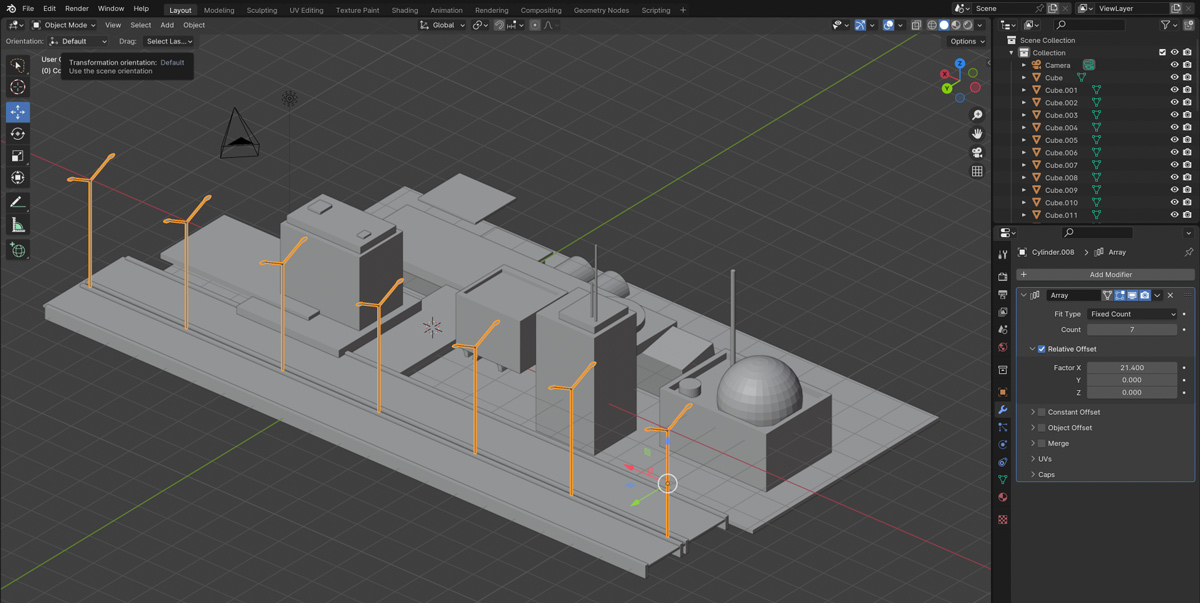
24 adding videos to this playlist as I learn;
23.2 I think if I texture each part then group then export it should ‘wrap’ for me.
Also, startred a new steam account to try to game again and realized in one that you have to wait for something to open. Which made me realize, my vr world has a day/night time so… I can make things happen at different times. Almost anything in open world games can be reproduced in os grid. (Grid updates coming soon)
23 Learning how to make and use paths better in blender. Have all the primitives and some of the modifiers down. Navigation and comfort are high (like I can feel as tho I am in the 3D space with a sense of what is around me and how to get around)
I am looking into animation a little but textures scare the hell out of me, it’s abstract to paint something thats not in the shape or form. another day.
22 Experimenting with Meshy text and image to 3D. The meshes come out good but very complex. Learning how to simplify them. some are over 500k with no reduction options. Changing scale is like vector, infinitely scaleable without size difference.